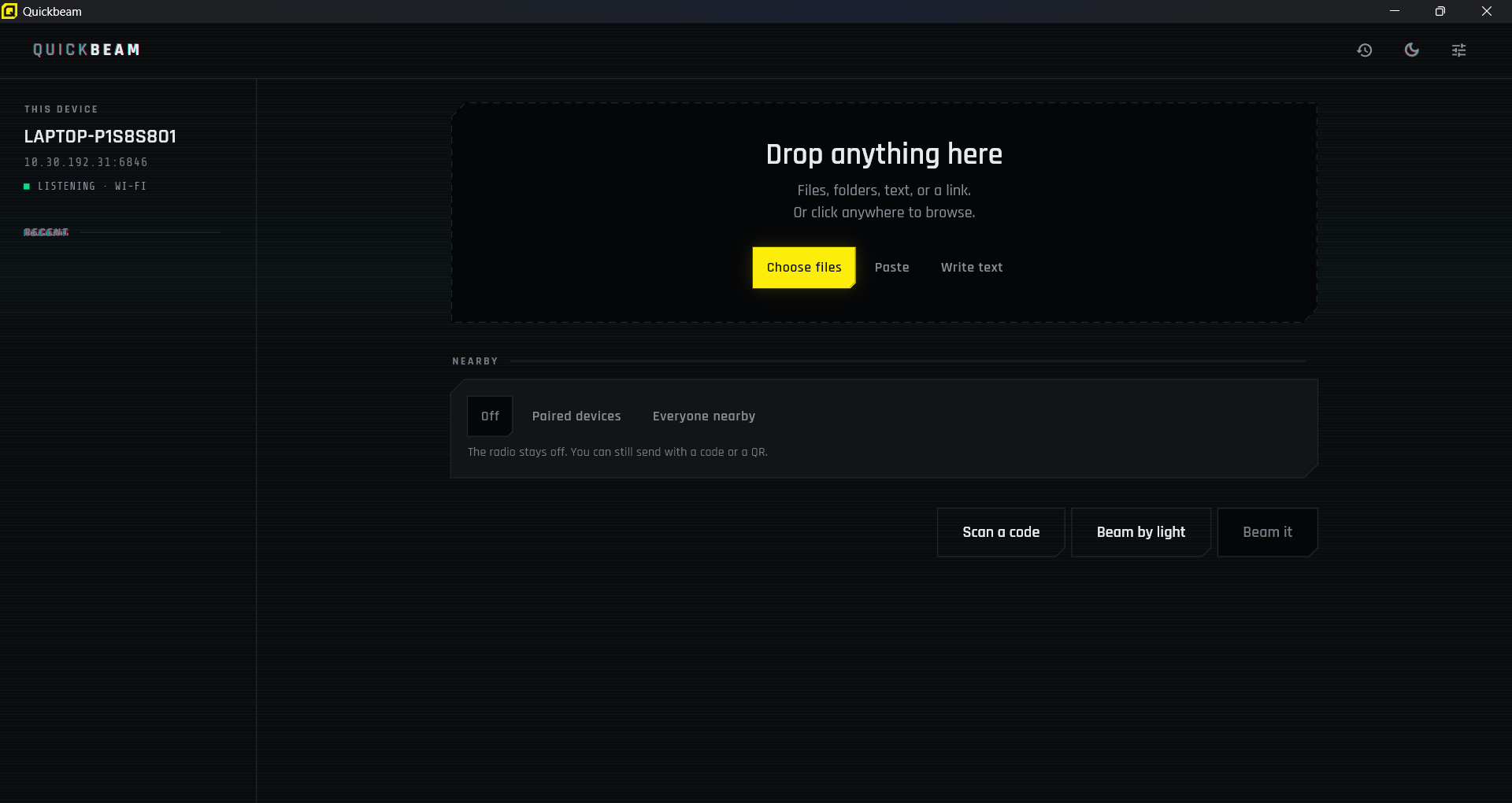
Quickbeam
Move anything between your devices — with or without a network
Year
2026
Type
Cross-platform App
Stage
In development
Status
In development
Quickbeam is our own product, and it started from a small annoyance: moving a file between two devices sitting on the same desk is still, somehow, harder than it should be. Every option assumes something — an account, a cable, an internet connection, or the same app on both ends.
The Problem
The moment you actually need to move a file is rarely the convenient one. You're next to someone, their laptop is on a different network from your phone, the venue Wi-Fi blocks devices from seeing each other, and the file is too big to email. Every tool that solves this in good conditions gives up in bad ones.
- No account, no sign-up, and no round trip through the cloud
- Nothing to install on the device receiving the files
- Works when the two devices share a network — and when they share nothing
- Fast enough that you don't go and do something else while it runs
Our Approach
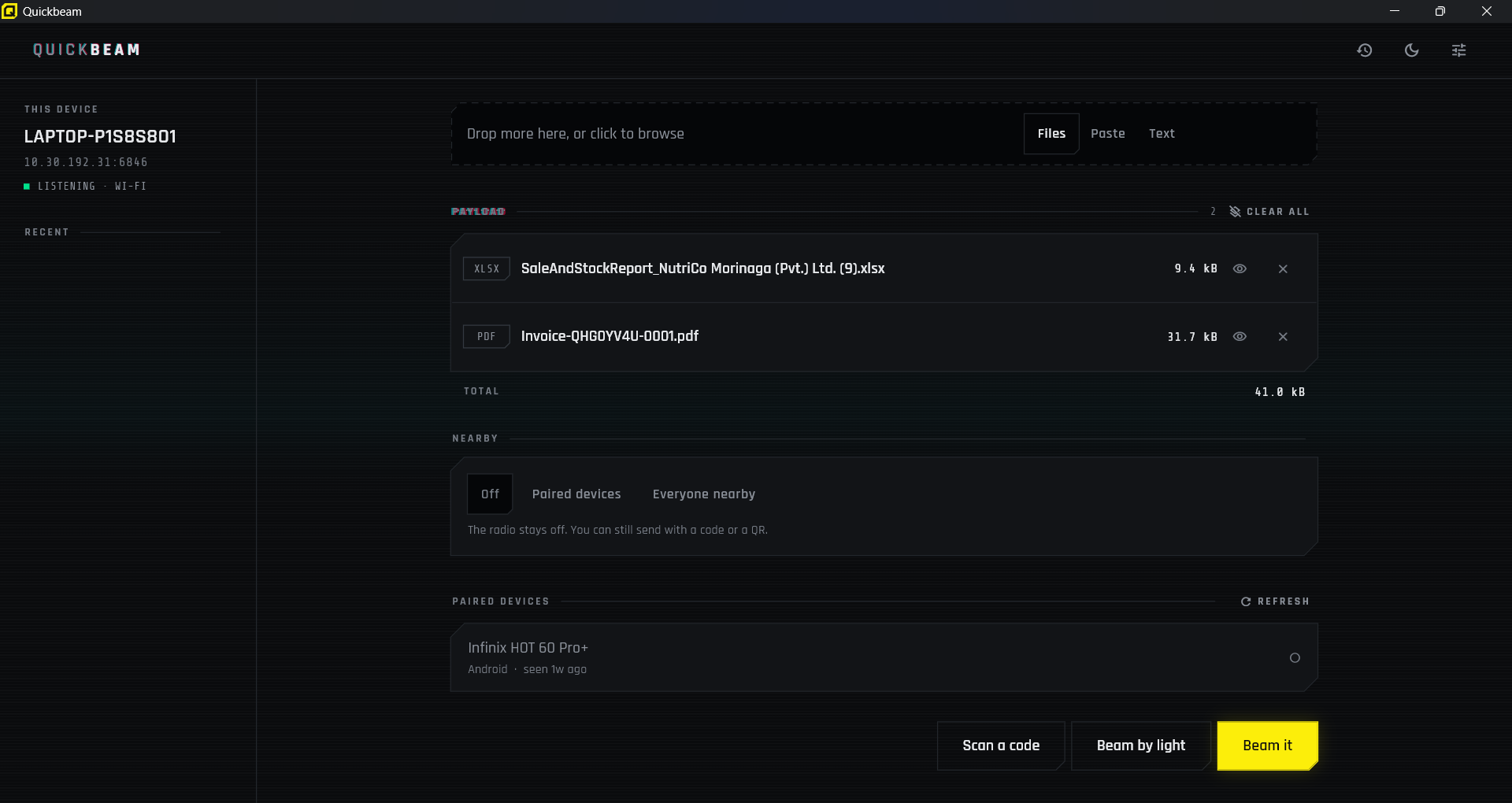
Rather than one transport that works most of the time, Quickbeam has three that degrade in order. It takes the fastest path available, and when that path isn't there it drops to the next one instead of showing an error. The last of those three works with no network of any kind.
What We Built
Transfer Over the Local Network
The sending device runs a small web server and streams the files straight off disk. The receiving end opens a link and collects them in whatever browser it already has — no install, no account, no matching app. Transfers are range-aware, so they can be resumed rather than restarted. A 5 MB file has been verified arriving byte-identical at 38.5 MB/s.
Sending Data as Light
When there is no network at all, Quickbeam falls back to the screen and the camera. The file becomes a stream of QR frames animating on the sender while the receiver films them. The hard part is that a camera has no way to answer back — it cannot ask for a frame it missed. So instead of numbering frames and hoping, the sender streams from a fountain code: every frame is a different combination of the file, and the receiver simply collects frames until it has enough to reconstruct the original. Which ones arrive doesn't matter. Missing one costs you a frame rather than a whole lap.
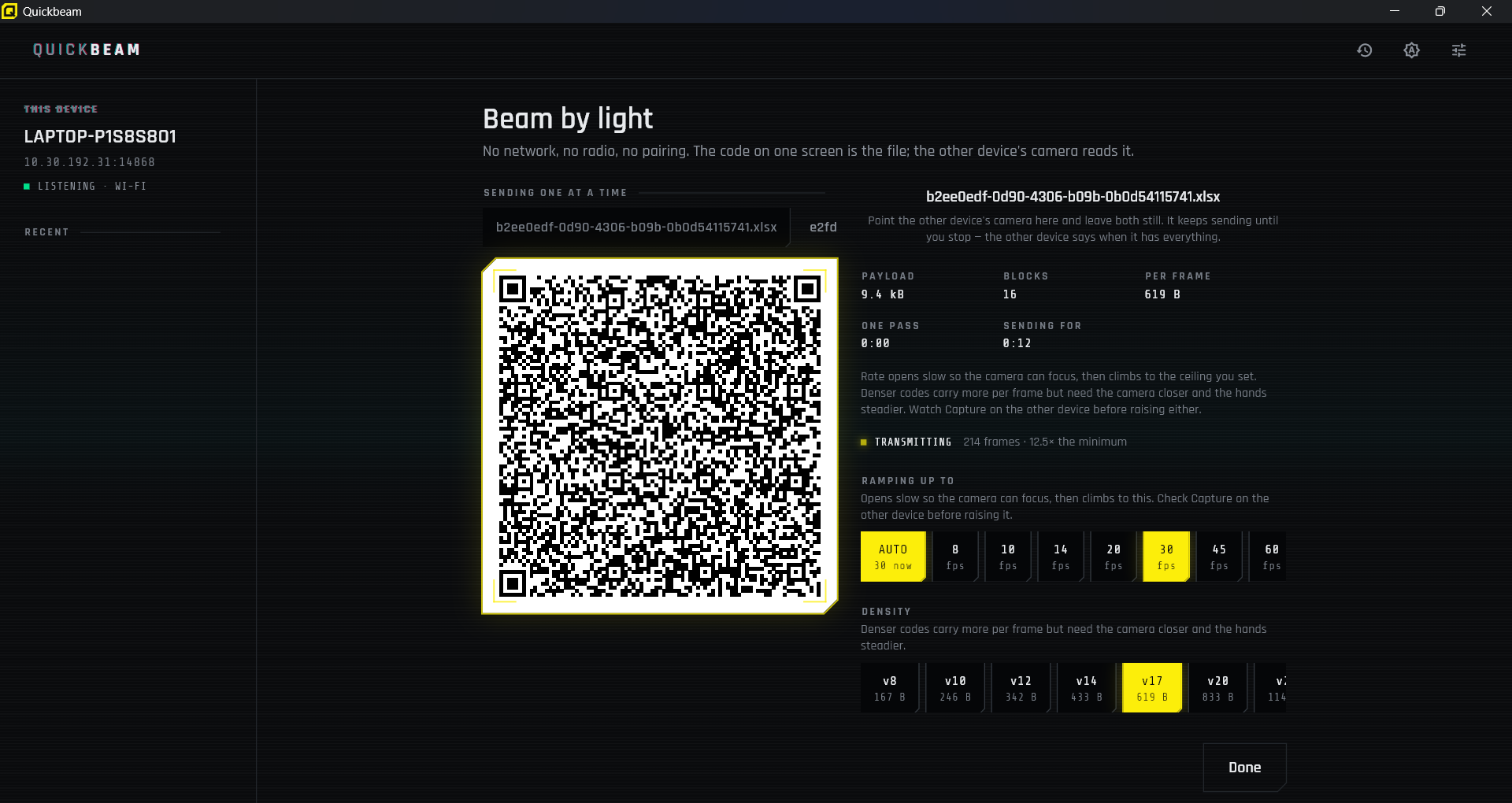
Transfer by light — no network needed
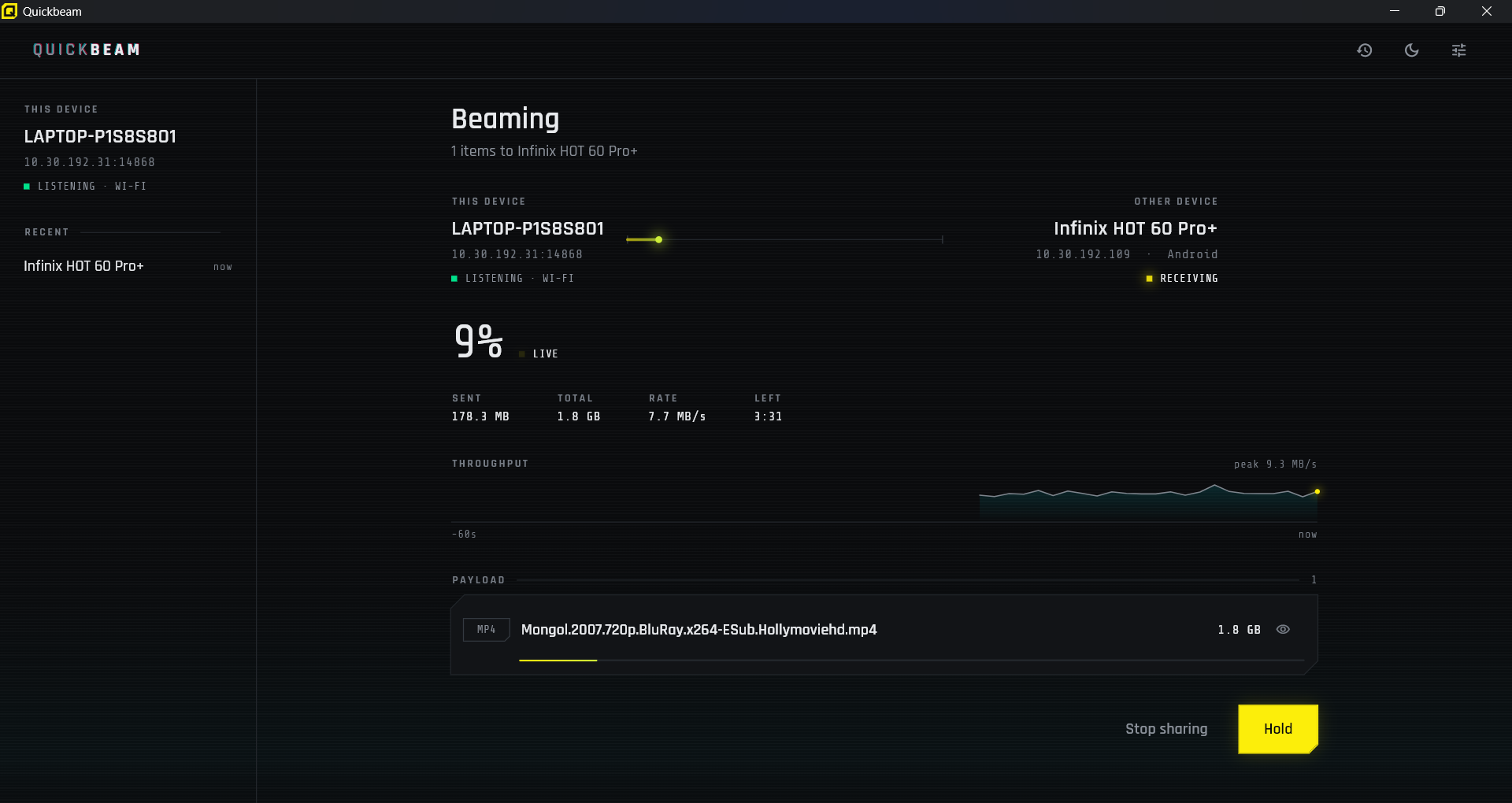
Live progress on both ends
A Network Where There Isn't One
When both devices have radios but nothing to meet on, the sender creates the network itself — a local-only hotspot that never touches the internet. Its credentials are generated fresh each time and shown as a standard Wi-Fi join code, so the other device joins by pointing its camera at the screen. No typing, no trip through Settings.
Pairing Without Reading Out a Secret
Pairing is a scan when the devices can see each other's screens, and six digits when they can't. Those six digits name a session and nothing else — no address, no key — because nobody reads a long secret down a phone line. The receiving device asks the local network which sender is holding that session, and gets back everything it needs. Wrong guesses are rate-limited, so the short code stays short without becoming a way in.
Where It Stands
Sending and receiving both work, across Android, Windows and the browser. Quickbeam is still in active development: encrypted transfers and standing pairings — so two devices you use often recognise each other without a code — are the next things we're building.
Have an idea worth building?
Tell us what you're working on. We'll tell you honestly whether we're the right fitand how we'd approach it.